
Written by M Akshay | Bestructure
Published: November 22, 2026, 08:30 PM IST | Last Updated: November 22, 2026, 08:30 PM IST
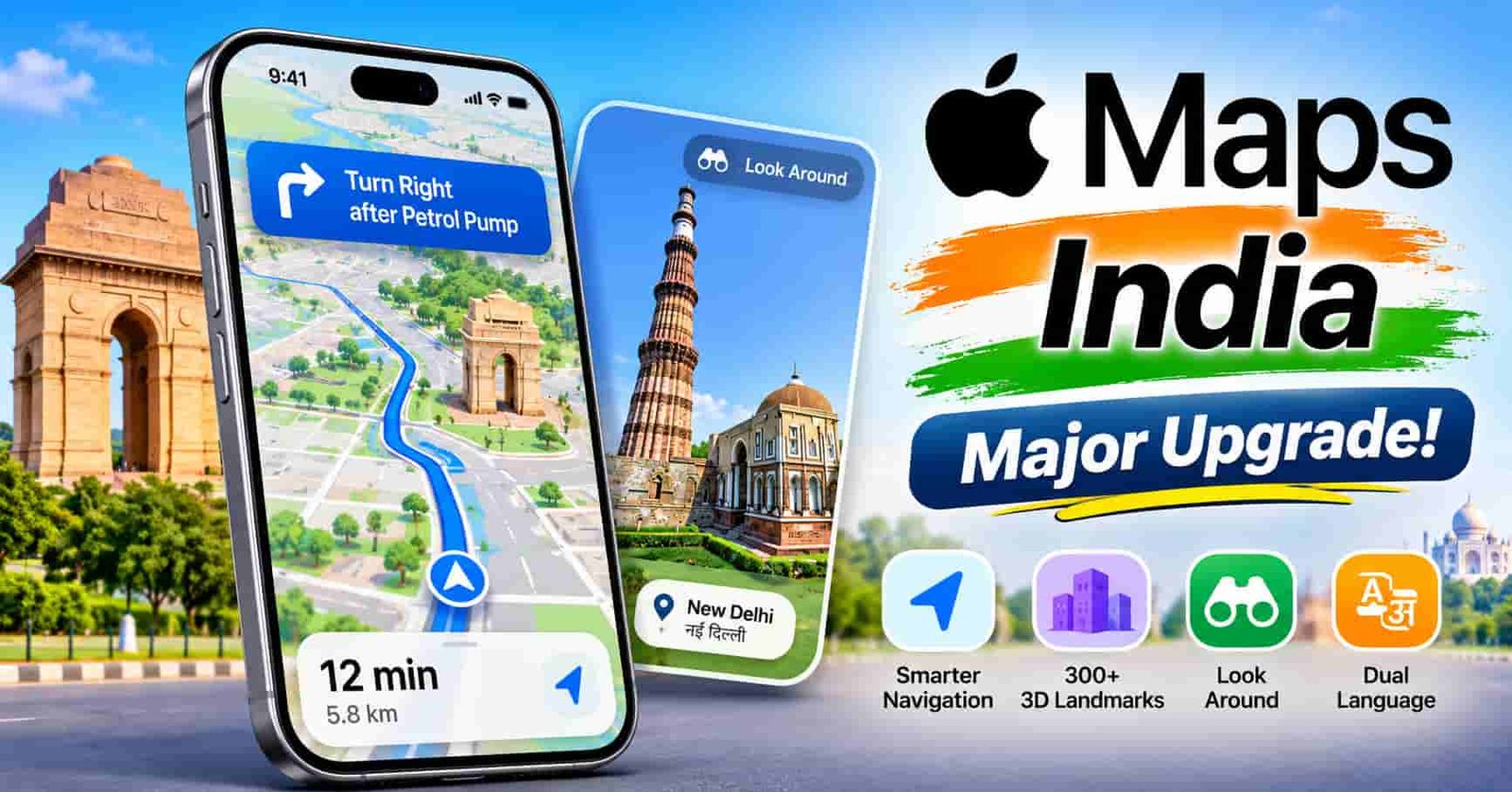
Getting directions on Indian roads is not always easy. Many streets have no clear names, signs mix English with a local language, and turns are usually described by what is nearby, not by street names. Apple says its latest update to Apple Maps India was built around exactly these problems. The new map brings faster and more accurate navigation, over 300 three dimensional landmarks, Look Around, and India specific features like landmark based voice directions and dual language labels. Here is what is new, how it works, and what you should know before relying on it.
Apple Maps India: Key Features at a Glance
| Feature | What It Does |
|---|---|
| Natural Language Guidance | Gives conversational directions using real world details like pillars, petrol pumps, and traffic lights |
| Dual language labels | Shows English alongside the local language, based on your device and location |
| Look Around | Interactive street level imagery with high resolution 3D photography |
| 3D landmarks | More than 300 landmarks, plus detailed roads, buildings, parks, and shopping centres |
| AR Walking Directions | Step by step walking guidance overlaid on the real world through your iPhone camera |
| Multi stop routing | Plan up to 15 stops in advance |
Natural Language Guidance Built for Indian Roads
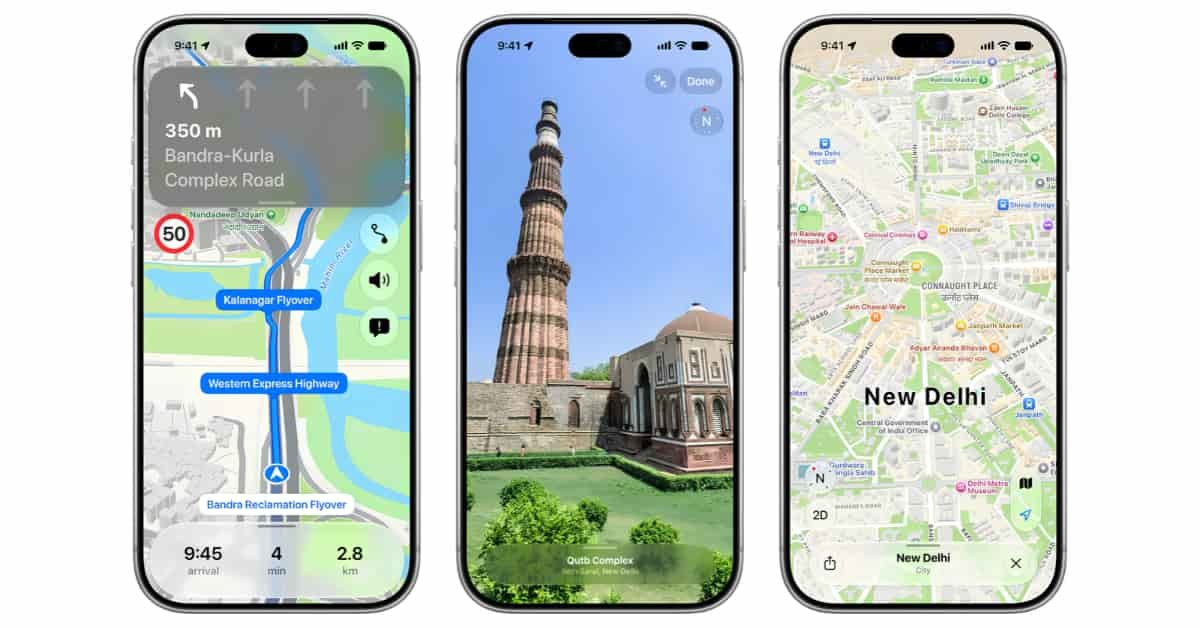
The headline feature is the improved voice guidance. Instead of reading out only street names, Maps now gives directions the way a local friend would, such as turning at the next traffic light. For India, Apple has gone further by adding real world references like pillars and other points of interest, so directions still work on roads that have no names. A typical instruction would tell you to turn right after the petrol pump. This is a practical change, since landmark based directions are how most people actually navigate here.
Dual Language Labels in Apple Maps India
Many road signs in India show both English and a local language, and Maps now follows the same pattern. The labels depend on your device language and the region you are viewing. With your device set to English, you would see Hindi and English together around Delhi, and Marathi and English around Mumbai. Apple Maps supports English and Hindi, and has added Bengali, Gujarati, Kannada, Malayalam, Marathi, Tamil, Telugu, Punjabi, Odia, and Urdu.
Navigation Tools That Make Daily Trips Easier
Several features help with everyday driving.
Lane guidance tells you which lane to be in before a turn or before entering an elevated road, which is useful on busy flyovers. Multi stop routing lets you plan up to 15 stops, and routes planned on a Mac or iPad sync to your iPhone automatically. Share ETA lets you send your estimated arrival time to family or friends with a tap, and Maps updates them if a significant delay happens.
You can also report an accident, hazard, or speed check by telling Siri AI, such as saying there is an accident ahead, and mark incidents as cleared, all without taking your hands off the wheel. For certain electric vehicles, Maps can plan trips with charging stops by considering factors like elevation changes along the route.
Also, read
PS5 Pro Price in India: Sony PlayStation 5 Pro 2TB Buying Guide, What to Check, and Is It Worth It?
Public Transport, Walking, and Cycling
Transit support covers Ahmedabad, Bengaluru, Chennai, Delhi, Hyderabad, Kolkata, Mumbai, and Pune, as well as Indian Railways. You can plan journeys, find nearby stations, pin favourite routes, and get an alert when it is time to get off.
For walking, AR Walking Directions let you raise your iPhone to scan nearby buildings, after which Maps works out your position and shows directions over the live view. Cycling directions include elevation details and callouts for bike lanes or stairs. Custom Route Creation lets you draw a path along trails or roads and save it, while Preferred Routes learns your regular commutes using on device intelligence and previews your trip before you leave.
Explore with Look Around
Look Around brings interactive street level imagery to India, with high resolution 3D photography and smooth transitions as you move. Apple says anyone, anywhere in the world, can now use it to explore places in India, which is handy for checking a location before you visit.
Privacy: What Apple Says About Your Data
Maps does not require you to sign in. Personalised features, such as suggested departure times, use on device intelligence. Apple says data collected while you use Maps, including searches, routes, and traffic information, is linked to random identifiers that reset regularly, so it is not tied to you personally. When you search for a place, the precise starting location is also converted to a less exact one within 24 hours. These are Apple’s own claims, so read its privacy information if this matters to you.
Which Devices Get It?
According to Apple, the new Maps experience, including dual language labels and enhanced Natural Language Guidance, works on devices running iOS 27.2, iPadOS 27.2, watchOS 27.2, and macOS 27.2 or later. To update an iPhone, open Settings, tap General, then Software Update. Some features may vary by region, so check what appears in your city.
Should You Switch to Apple Maps?
On paper, the upgrade addresses real Indian navigation problems, especially unnamed roads and mixed language signs. But we have not tested it ourselves, and accuracy can differ from one city or neighbourhood to another. The practical approach is to try it on routes you already know, compare it with the navigation app you use today, and then decide.
Frequently Asked Questions
Q1. What is new in Apple Maps India? The update adds faster navigation, over 300 3D landmarks, Look Around, AR Walking Directions, landmark based voice guidance, and dual language labels.
Q2. Which languages are supported? English and Hindi, plus Bengali, Gujarati, Kannada, Malayalam, Marathi, Tamil, Telugu, Punjabi, Odia, and Urdu.
Q3. Which cities have transit support? Ahmedabad, Bengaluru, Chennai, Delhi, Hyderabad, Kolkata, Mumbai, and Pune, along with Indian Railways.
Q4. Do I need to sign in to use Apple Maps? No, Apple says Maps does not require a sign in.
Q5. Which software version do I need? iOS 27.2, iPadOS 27.2, watchOS 27.2, or macOS 27.2 or later.
Disclaimer: The information in this article comes from our research of Apple’s official announcement and news coverage of the Apple Maps India update. Feature availability, supported cities, and device requirements can vary and may change, and we have not independently tested accuracy. Please check Apple’s official website for the latest details.
Written by M Akshay for Bestructure.
Latest Posts

PS5 Pro Price in India: Sony PlayStation 5 Pro 2TB Buying Guide, What to Check, and Is It Worth It?

Darrell Dai Nvidia Resignation: Why the Robotics Engineer Quit After Jensen Huang’s Exit

Meta Muse Models on Google Cloud: Muse Wonder, Muse Spark 1.3 and Muse Ember Explained

HyperOS 4 Update Rollout Schedule: Supported Xiaomi, Redmi and POCO Phones, New Features, and What to Expect

Samsung Galaxy Z Fold 9 Under Display Camera: What the Leak Says and How Much You Can Trust It

Apple AirPods 5: Price in India, Features, ANC, Battery Life, and Is It Worth Buying?

Vivo S2 FE 5G Launched in India: Price, Specifications, and Is the 10000mAh Battery Enough to Buy It?

John Ternus TIME Interview: iPhone Duo, Apple’s AI Plan, and What the New CEO Really Cares About

Samsung Galaxy F70 5G Launched in India: Price, Specifications, and Is It Worth Buying?

Flipkart Big Billion Days Sale 2026: Best Deals on Smartphones, Laptops, TVs and More

Samsung Galaxy A56 5G Review: Is This the Best Mid Range Samsung Phone You Can Buy Right Now