Written by M Akshay | Bestructure
Published: September 28, 2026, 9:02 PM IST | Last Updated: September 28, 2026, 9:02 PM IST
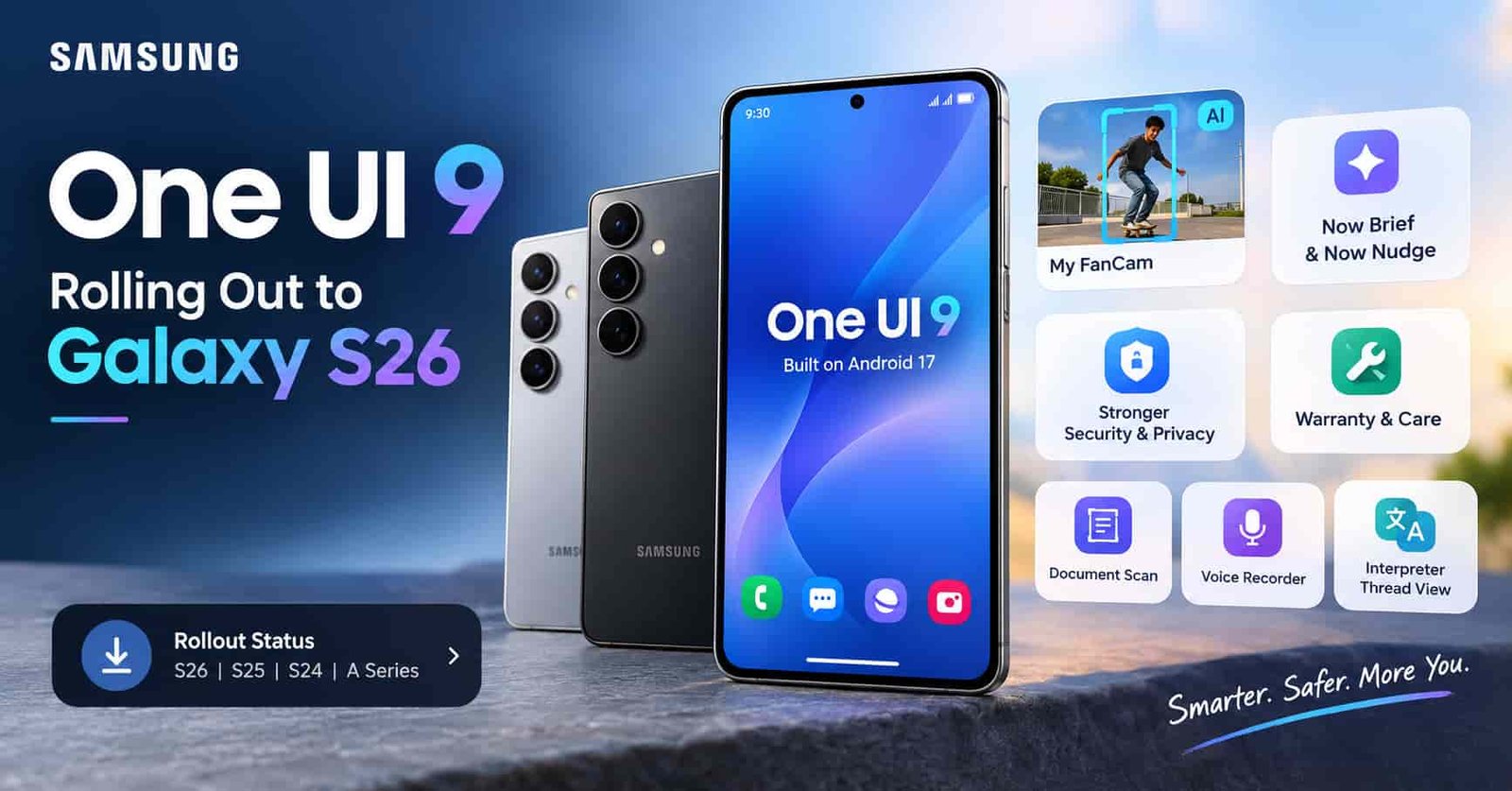
After weeks of confusing dates and quiet delays, One UI 9 Update has finally started reaching Samsung Galaxy phones. Built on Android 17, the update is landing first on the Galaxy S26, S26 Plus, and S26 Ultra, and Samsung has now confirmed the rollout on its own official channels. If you own one of these phones, or a Galaxy S25, S24, or a Galaxy A series device, you probably have one big question right now: when does it reach me, and is it worth the wait? Here is a clear, honest breakdown of where things stand with One UI 9.
One thing worth saying upfront, this rollout has been messier than usual, and Samsung has not publicly explained why. So instead of repeating optimistic dates, this guide separates what is confirmed from what is still only expected.
One UI 9 Update Rollout Status: What Is Confirmed So Far
Samsung first released the stable version of One UI 9 in South Korea on September 16, following its debut on the Galaxy Z Fold8 Ultra, Fold8, and Flip8. The company then pointed towards September 21 for the next wave, and that date passed without the update showing up widely. A later target of September 28 followed, and eventually Samsung’s Thailand newsroom stopped naming a date entirely, simply promising the update would arrive within September.
Then things moved in an unexpected direction. Users in the United States began reporting a download of roughly 4GB on T Mobile connected Galaxy S26 phones, and Samsung’s support pages have since listed One UI 9 builds for the S26 series on T Mobile, Metro by T Mobile, and US Cellular. Early reports suggested unlocked units were still waiting, though newer reports indicate they are starting to receive it too.
| Stage | What Happened |
|---|---|
| September 16 | Stable One UI 9 released in South Korea |
| September 21 | Planned next wave, later delayed |
| Late September | Rollout begins on US carrier Galaxy S26 phones |
| Now | Samsung confirms rollout starting with Galaxy S26 series |
Since no global schedule has been officially published, treat any exact date for your region as unconfirmed until Samsung announces it.
New One UI 9 Features You Can Expect
Samsung has confirmed a solid set of additions, and many of them lean on Galaxy AI. If you were part of the beta on a Galaxy S25 or Galaxy Z Fold 7, some of these will already feel familiar.
My FanCam is probably the headline feature. It tracks a person you select inside a recorded video and keeps them centred, reframing the footage automatically as the scene moves. Think of a child performing on stage or a friend dancing at a party, you get social media ready clips with far less manual editing. It first appeared on the Galaxy Z Fold8 series and now comes to the S26 range.
Now Brief gets generative and editable cards, so you can decide what shows up in your daily summary across areas like health, weather, and video. Alongside it, Now Nudge offers timely suggestions during everyday moments, for example pulling up a reservation or saving a shared location while you are chatting about plans, without forcing you to leave the conversation.
Warranty and Care puts device support inside Settings itself. You can check warranty coverage for devices linked to your Samsung Account, run self diagnostics, view repair estimates, manage Samsung Care Plus, or book a service appointment in a few taps.
| Feature | What It Does |
|---|---|
| My FanCam | Tracks and centres a chosen person in recorded video |
| Now Brief Cards | Lets you customise your daily summary |
| Now Nudge | Offers timely suggestions while you use your phone |
| Warranty and Care | Warranty checks, diagnostics, and repair booking in Settings |
| Creative Studio | Suggests image ideas based on upcoming events |
| Interpreter Thread View | Helps you follow earlier parts of a translated conversation |
| Document Scan | Handles curved pages and folded corners better |
| Voice Recorder | Presents summaries with headings and tables |
Creative Studio now suggests image generation ideas tied to relevant events, such as a friend’s approaching birthday. Interpreter gains a Thread View for easier reference to earlier exchanges, plus faster translation in Conversation Mode. Document Scan copes better with curved book pages and folded corners, and Voice Recorder arranges its summaries in a clearer structure. Samsung is also making the Quick Panel more customisable, letting you separate the Sound Mode button from the volume slider.
One UI 9 Security and Privacy Upgrades
This is where the update quietly adds real value. Security Brief brings alerts about malware, apps from unknown sources, and unnecessary permissions right into Now Brief, so problems surface earlier. Privacy Alerts use on device AI to spot risky behaviour, such as apps trying to reach permissions in the background without a good reason. A blue indicator will also appear at the top of the screen whenever an app accesses your location.
Scam Detection is expanding too, and this matters for readers in India. Samsung has said it will become available in Japan, Canada, and India, extending protection against suspicious calls to more people. Privacy Alerts are supported on a wide range of devices, including the Galaxy S26, S25, S24, and S23 families, recent foldables, and several Galaxy Tab S models.
When Will Other Galaxy Phones Get One UI 9?
Based on Samsung’s latest wording, Galaxy S26 owners in other regions, along with Galaxy S25, Galaxy Z Fold 7, and Galaxy Z Flip 7 users, should see the update by the end of September. If Samsung slips again, October becomes the realistic window. Fresh stable builds were also spotted for the Galaxy S25 and S24 last week, which suggests the company is finalising the release rather than still testing it.
The Galaxy A series is also getting closer. Since it is Samsung’s best selling range, these builds represent a far larger group of owners than the flagship phones. A stable build showing up for the Galaxy A34, which was not part of the beta program, is a promising sign for owners of older mid range phones. Still, no official A series date exists yet.
Also, read
GPT-6 Astra Explained: What OpenAI’s Most Powerful Model Can Actually Do
How to Download One UI 9 Update on Your Galaxy Phone
Once the update reaches your device, the process is simple. Open Settings, tap Software Update, then choose Download and Install. Keep your phone charged above 50 percent, connect to stable Wi Fi since the download is around 4GB, and back up important data first. If nothing appears, that just means the rollout has not reached your region or carrier yet, so checking again every few days is better than forcing a manual workaround from unofficial sources.
Is One UI 9 Update Worth the Wait?
For most Galaxy owners, yes. There is no single dramatic redesign here, but the combination of My FanCam, smarter Now Brief and Now Nudge behaviour, clearer privacy alerts, and easier warranty access adds up to a genuinely more useful phone. The delays are frustrating, though the fact that stable builds are now sitting on Samsung’s servers for several models suggests this looks more like a rollout hiccup than an unfinished product.
Frequently Asked Questions
Q1. Which phones are getting One UI 9 first? The rollout began with the Galaxy S26, S26 Plus, and S26 Ultra, following its debut on the Galaxy Z Fold8 Ultra, Fold8, and Flip8.
Q2. Is One UI 9 Update based on Android 17? Yes, the update is built on Android 17.
Q3. How large is the One UI 9 download? Users on T Mobile reported a download of roughly 4GB for the Galaxy S26 series.
Q4. Will Scam Detection work in India? Samsung has stated that Scam Detection will be available in Japan, Canada, and India.
Q5. Why was the rollout delayed? Samsung has not publicly explained the delay, and readers should treat any unofficial explanation as speculation.
Q6. When will my Galaxy phone get the update? Samsung has not confirmed a global schedule. Galaxy S25 and Galaxy Z Fold 7 owners may see it by late September, though a slip into October remains possible.
Disclaimer: The information in this article has been gathered by researching Samsung’s official announcements alongside multiple credible technology publications covering the One UI 9 rollout. Rollout dates and availability can change without notice and vary by region and carrier, so please confirm details through your phone’s Software Update menu or Samsung’s official website before acting on them.
Written by M Akshay for Bestructure.
Latest Posts

Realme 16 Pro Harry Potter Edition: Price, Design, and Everything Fans Should Know Before Buying
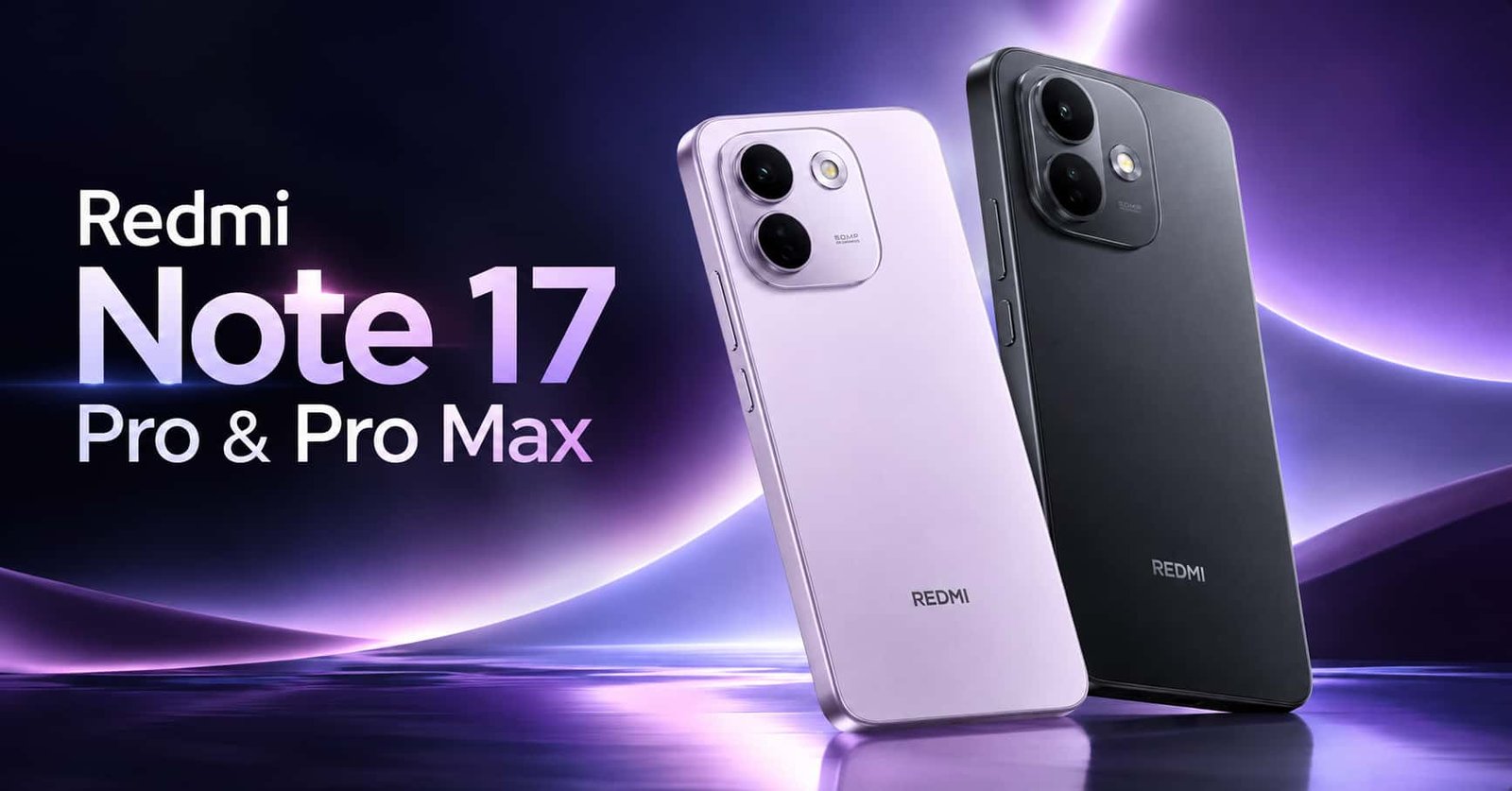
Redmi Note 17 Pro and Pro Max Launched in India: Price, Specifications, and Everything Worth Knowing

Microsoft Humanist AI Code of Conduct Explained: Why the Company Is Choosing Safety Over Speed

GPT-6 Astra Explained: What OpenAI’s Most Powerful Model Can Actually Do

Poco X8 and Poco X8 Power Launched in India: Price, Specifications, and Which One You Should Actually Buy

Nvidia Acquires Hugging Face for 13 Billion Dollars: Here’s Why This Deal Matters
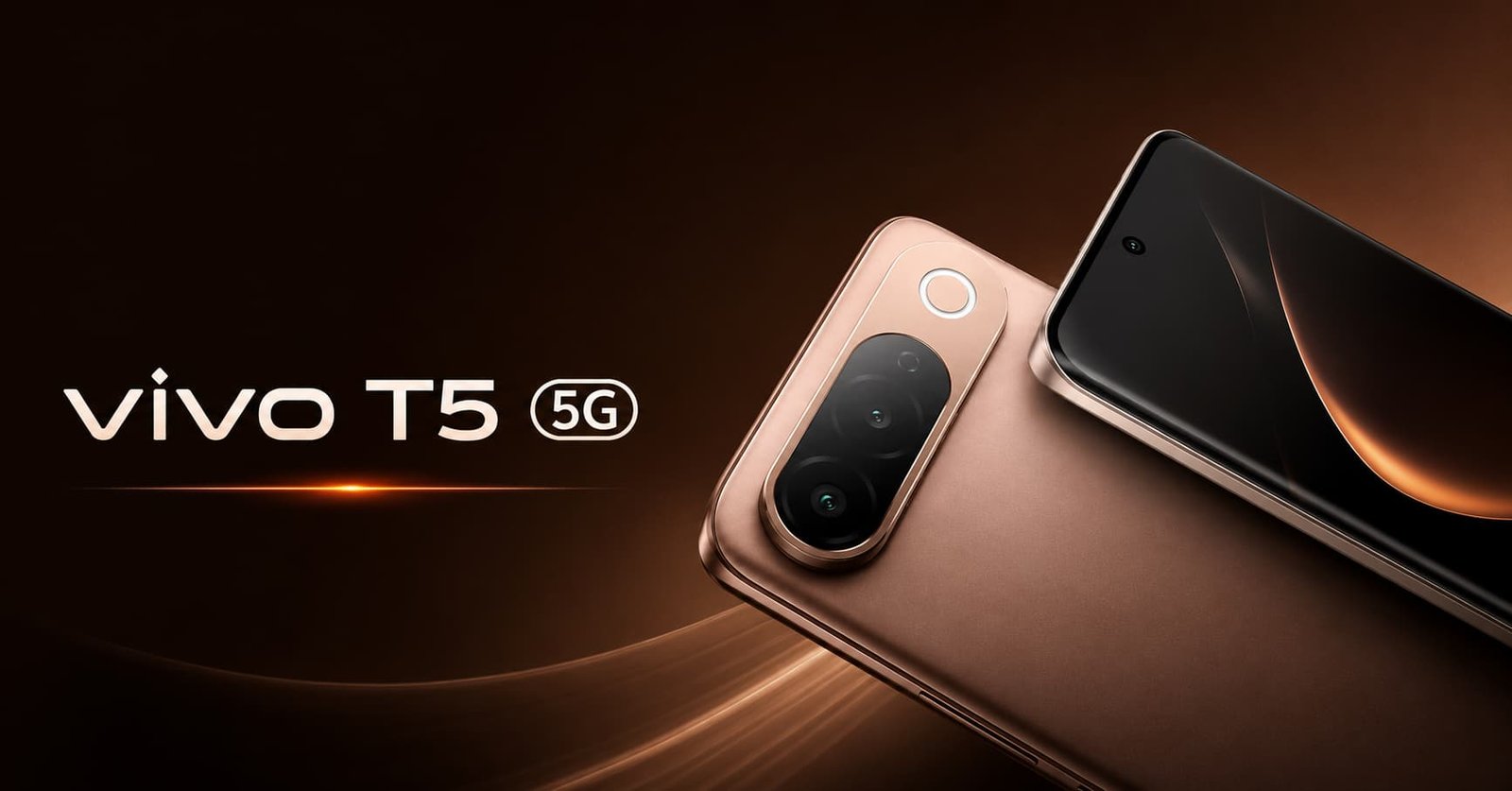
Vivo T5 India Launch: Price, Specifications, and Everything Worth Knowing Before You Buy
iPhone 18 Pro and iPhone Ultra Expected Launch: Everything Reportedly Coming This September
iPhone 17 Pro Price Drop on Flipkart: Get It for Rs 81,000 With Exchange and Bank Offers

Best AirPods Case Options in 2026: Top 5 Picks Worth Buying Right Now

Moto G Max Launched in India: Price, Battery, Camera and Full Specifications